World clock for iPhone, iPad and Apple Watch
The whole world, on your time.
World clock, meeting planner and time converter in one place. Works fully offline, keeps your data private, and never gets caught by a DST change.
- 500+cities, searchable offline
- Alltime zones
- 100%offline
World clock
List · Big clock · Widgets
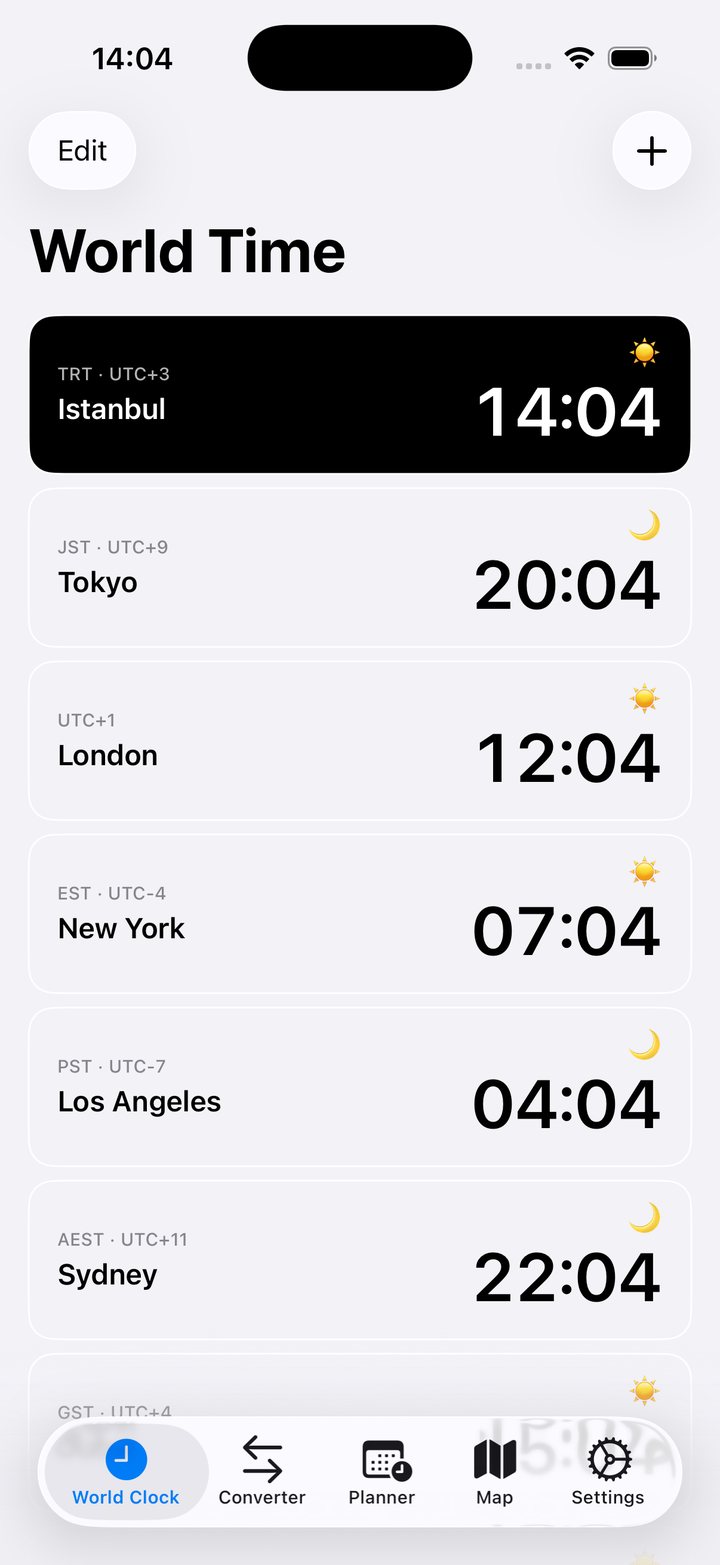
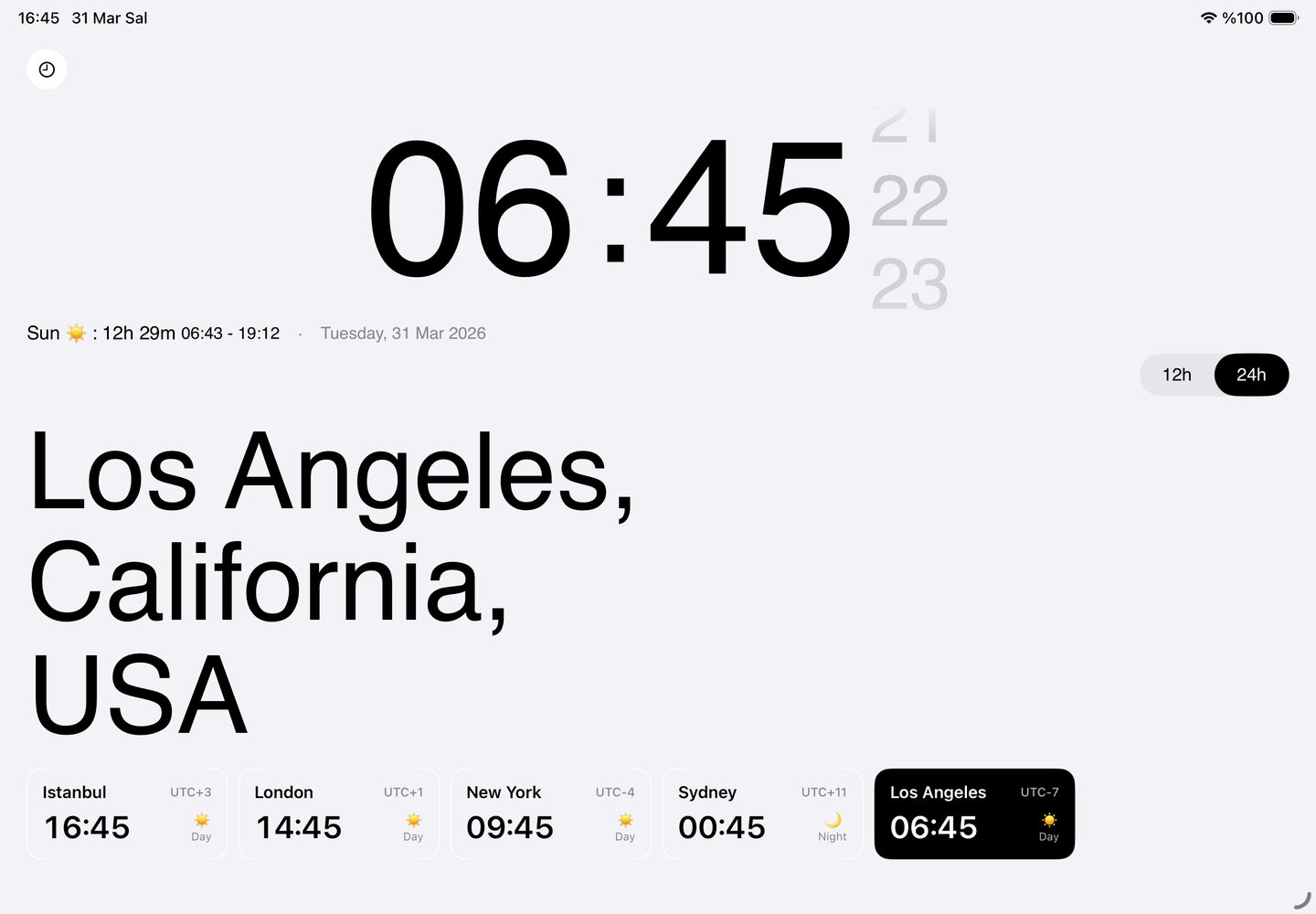
Every city you care about, on one screen.
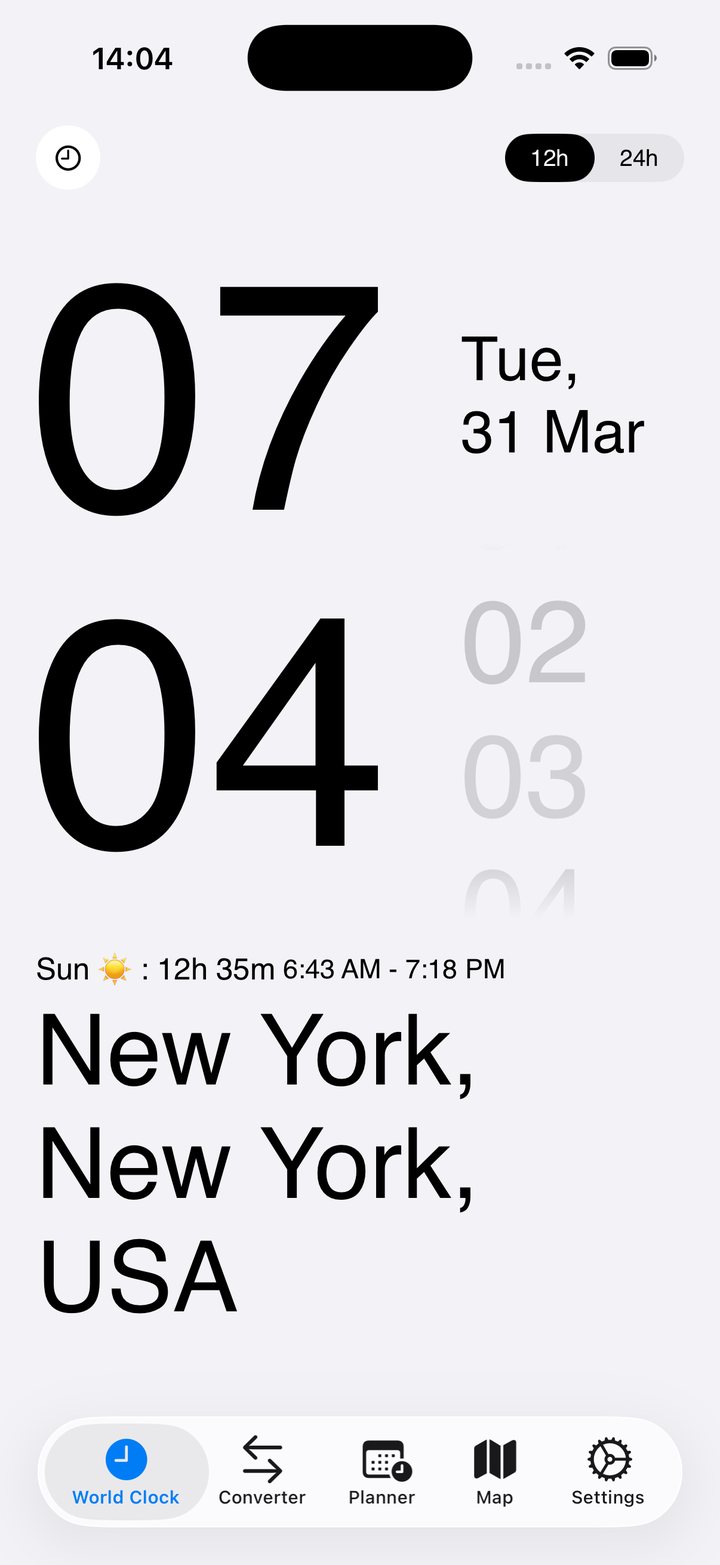
Your favorites at a glance: live time, UTC offset and day or night for each city. Tap one for a full-screen clock with giant animated digits, a continuous seconds roller and sunrise and sunset.
- 500+ cities, searchable by city, country or airport code
- Sunrise and sunset from offline solar calculations, polar day and night included
- Home Screen and Lock Screen widgets, plus the Apple Watch app
Meeting planner
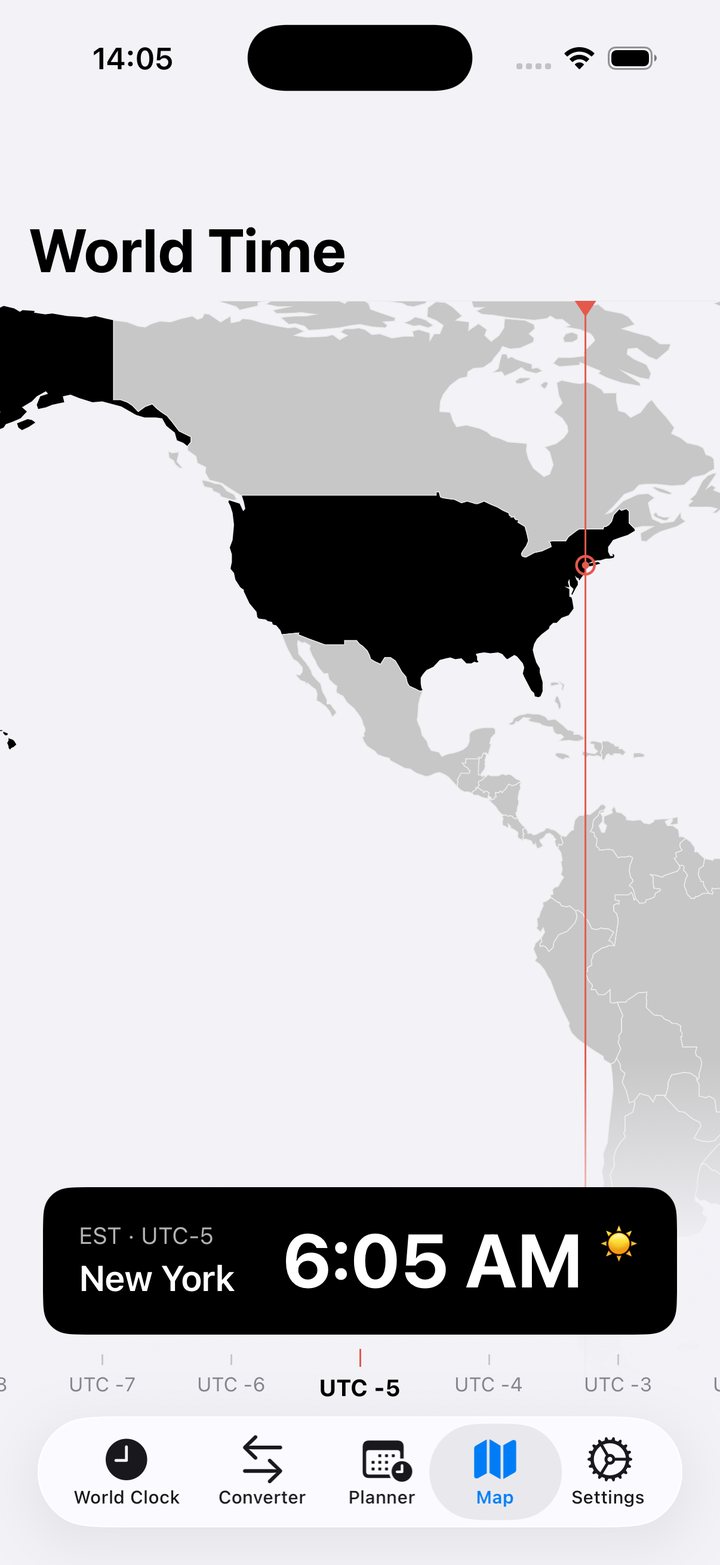
Working hours · Groups · World map
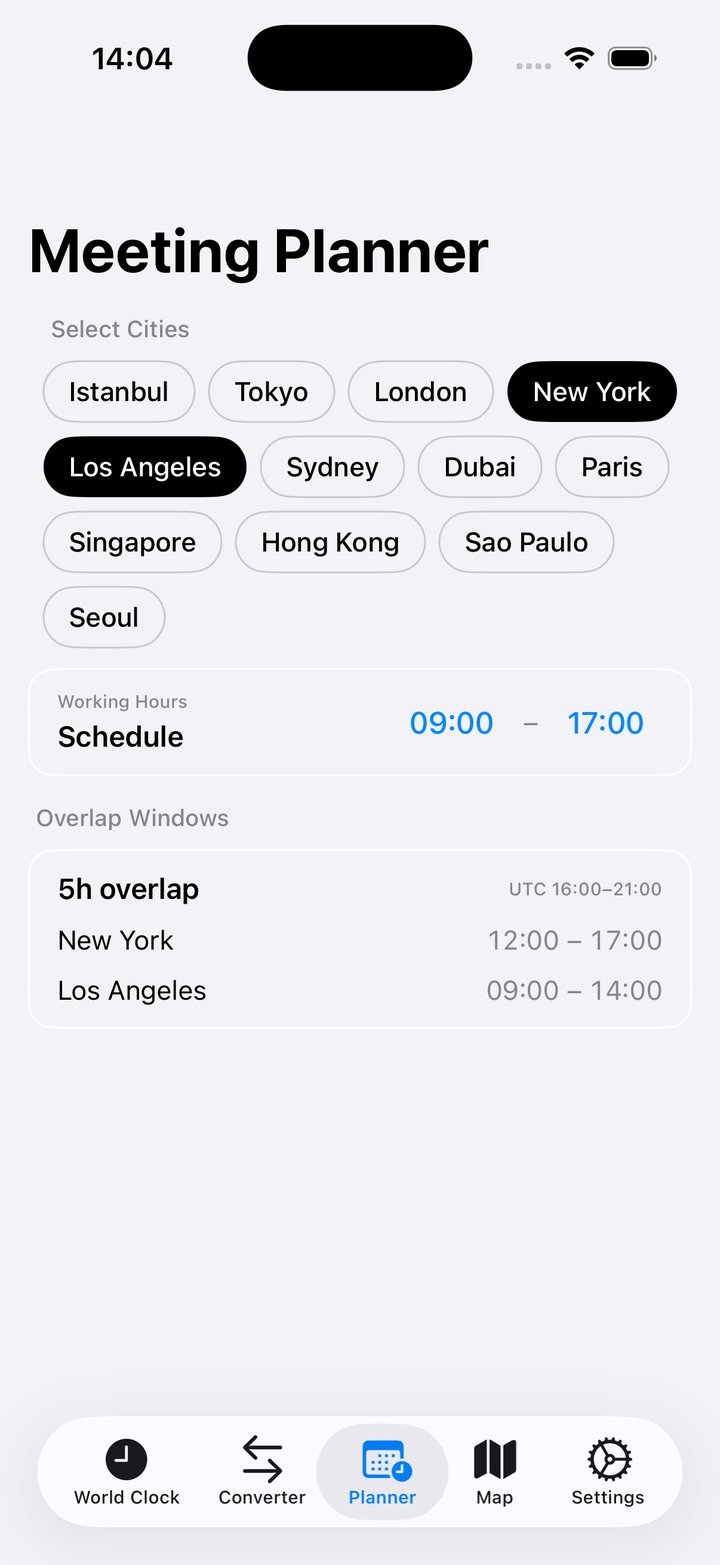
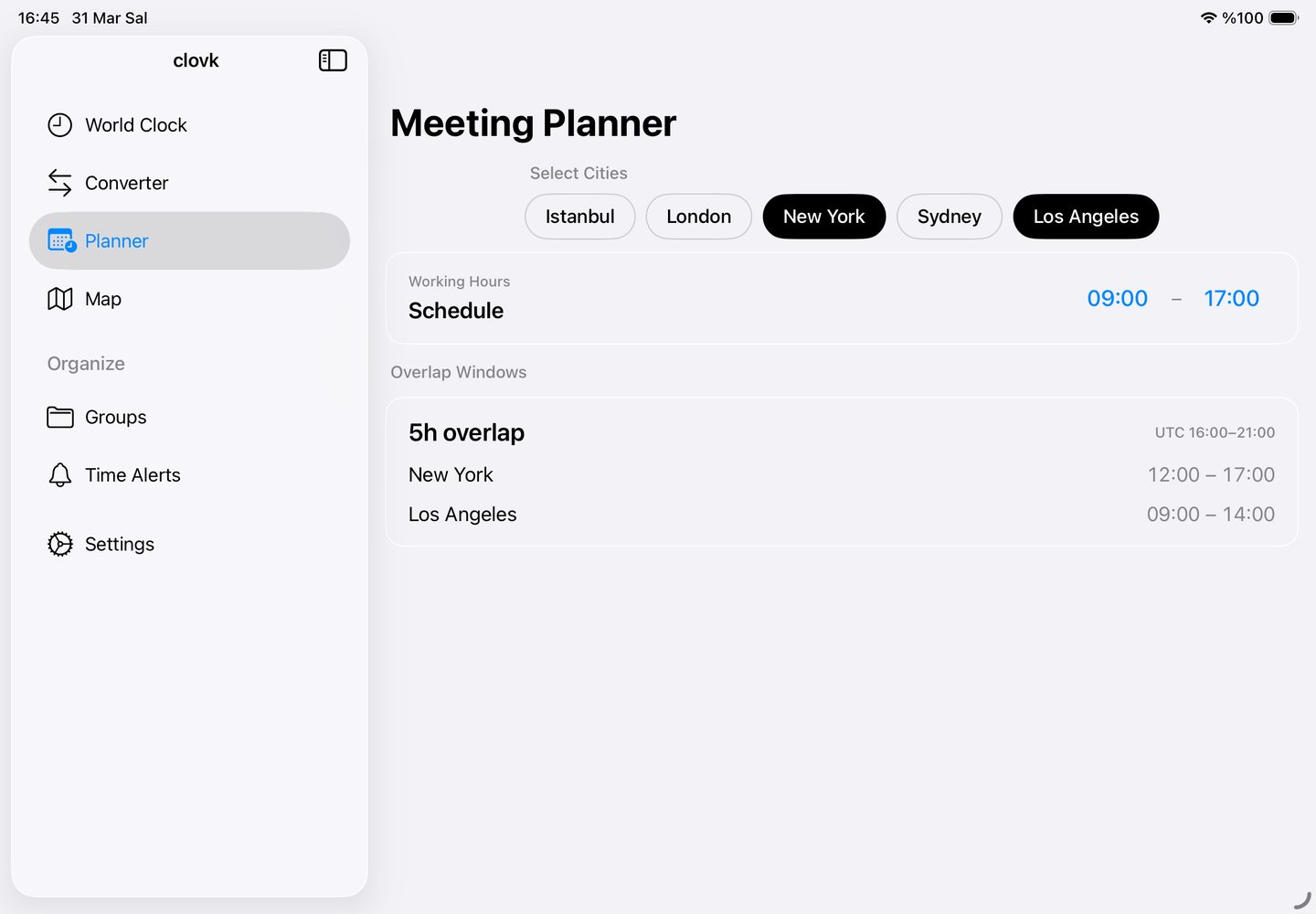
Find the hour that works for everyone.
Select two to six cities, set their working hours, and see the overlapping windows ranked by how long they last. No more mental math for global meetings.
- Working hours defined per city, overlaps ranked by duration
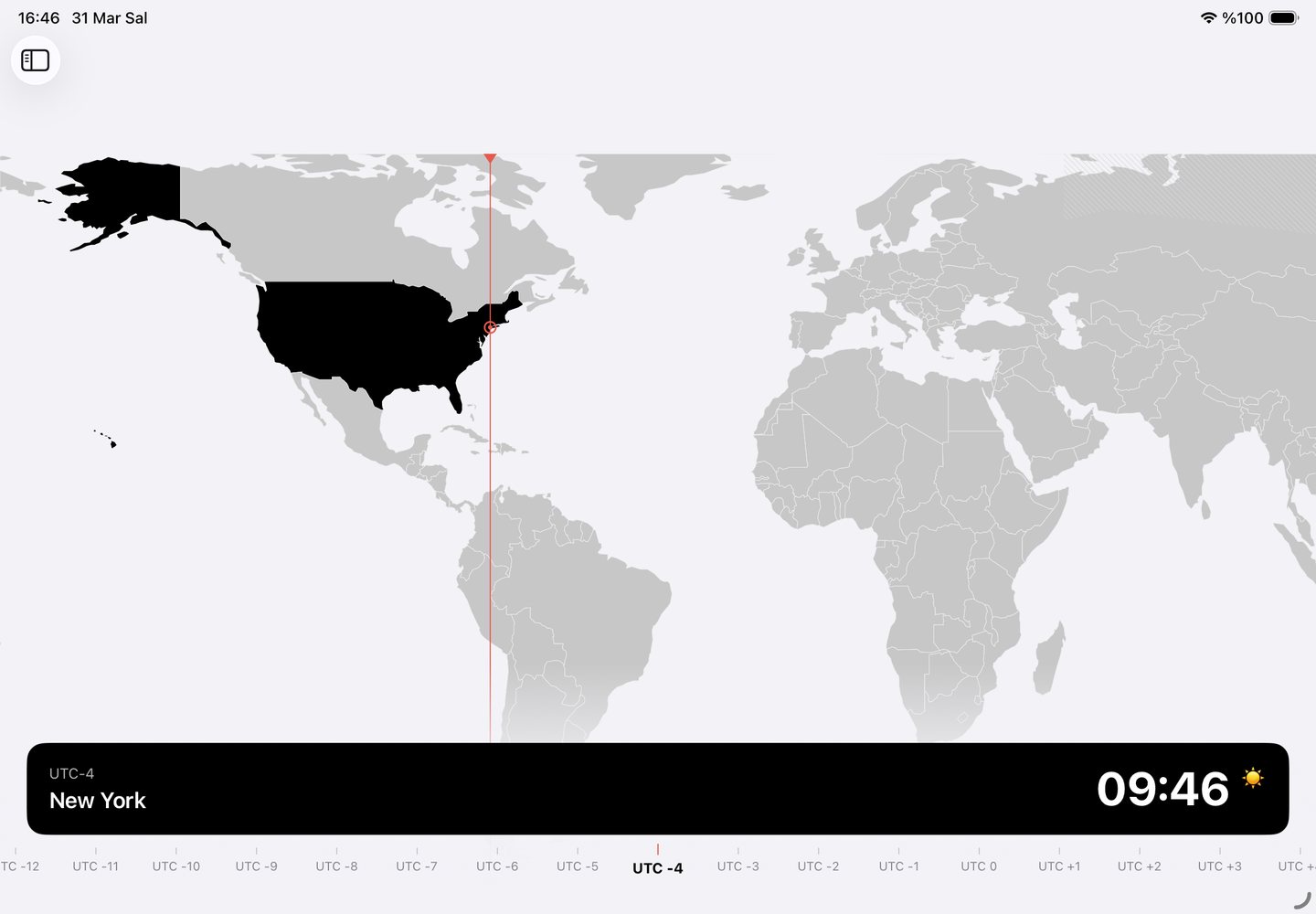
- Tap anywhere on the world map to read that place's time zone
- Favorites, groups, alerts and settings sync across your devices through iCloud
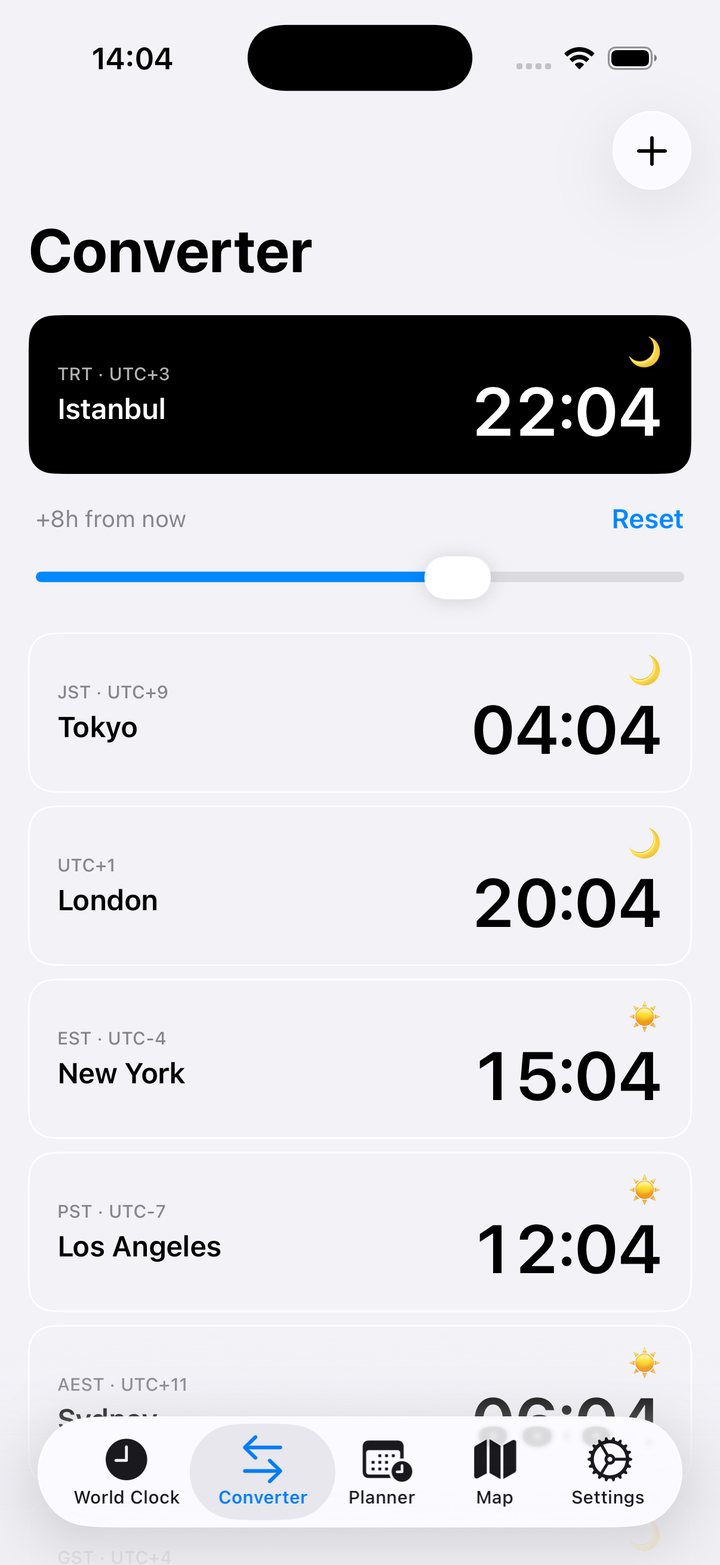
Time converter
Scrub · Alerts · DST
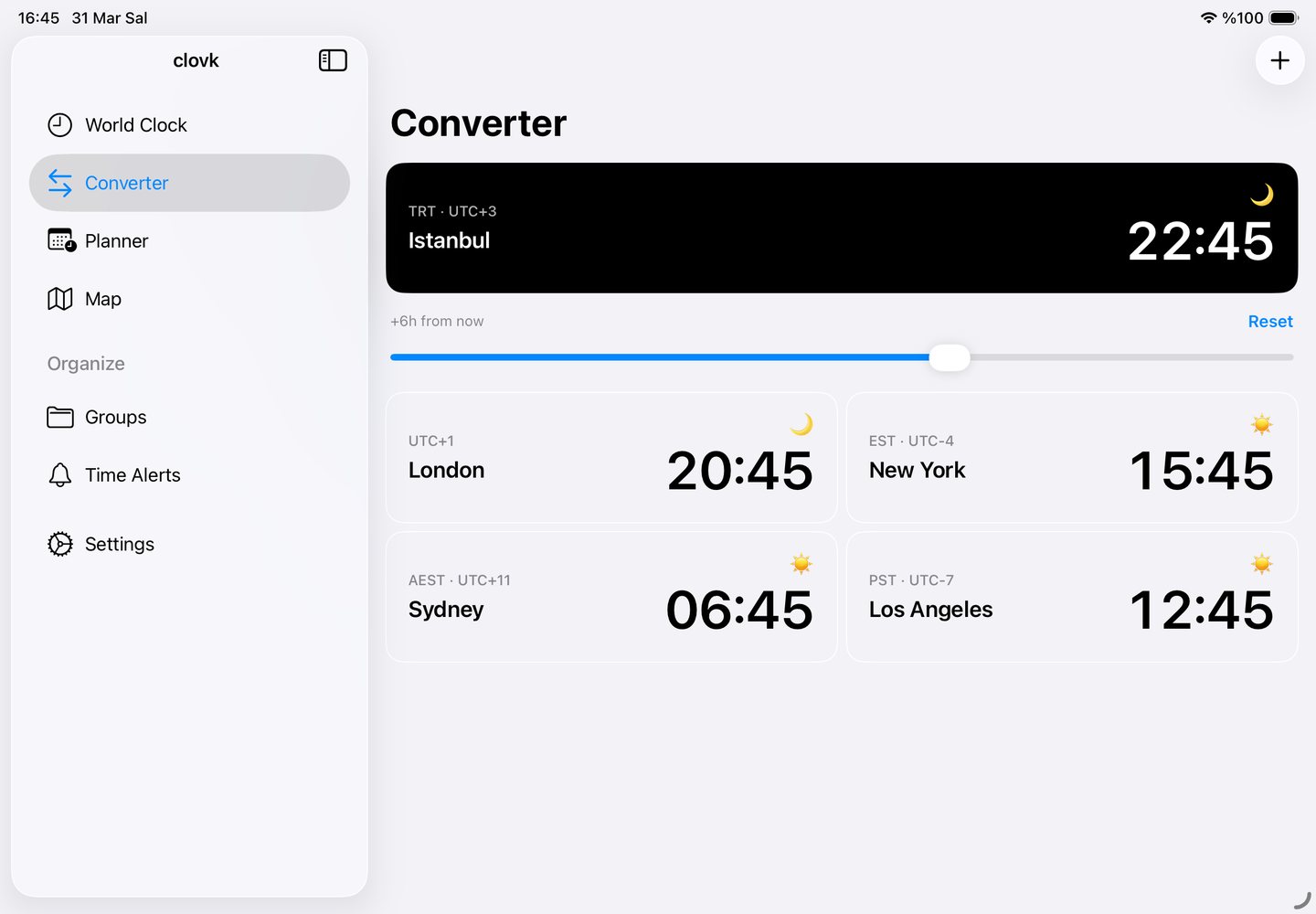
Slide to convert any time.
Pick a base city, scrub up to 24 hours forward or back, and watch every city update as you move. Day-boundary labels show exactly where "tomorrow" begins.
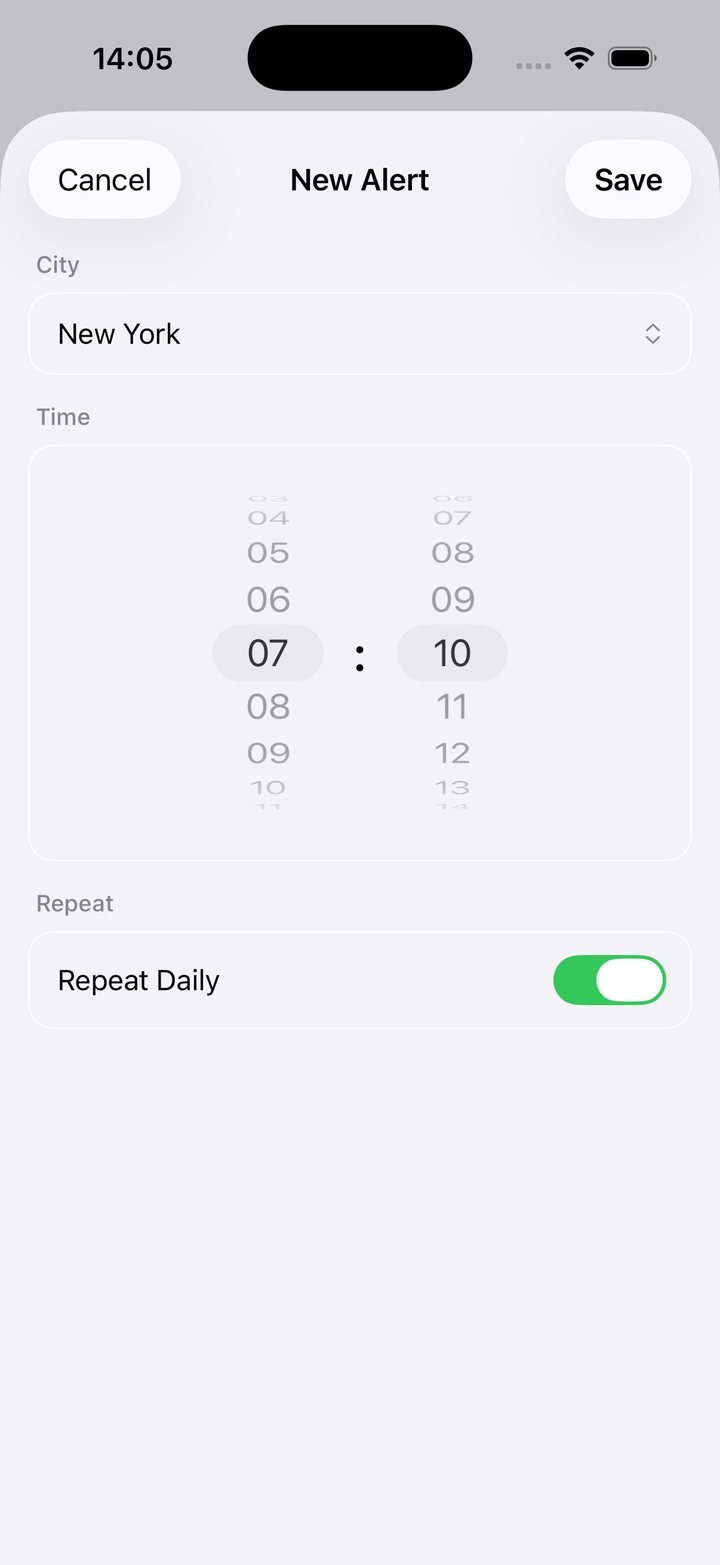
- Time alerts: "notify me when Tokyo hits 09:00", with repeats
- DST-aware scheduling, with a heads-up before clocks change
- Everything works without an internet connection
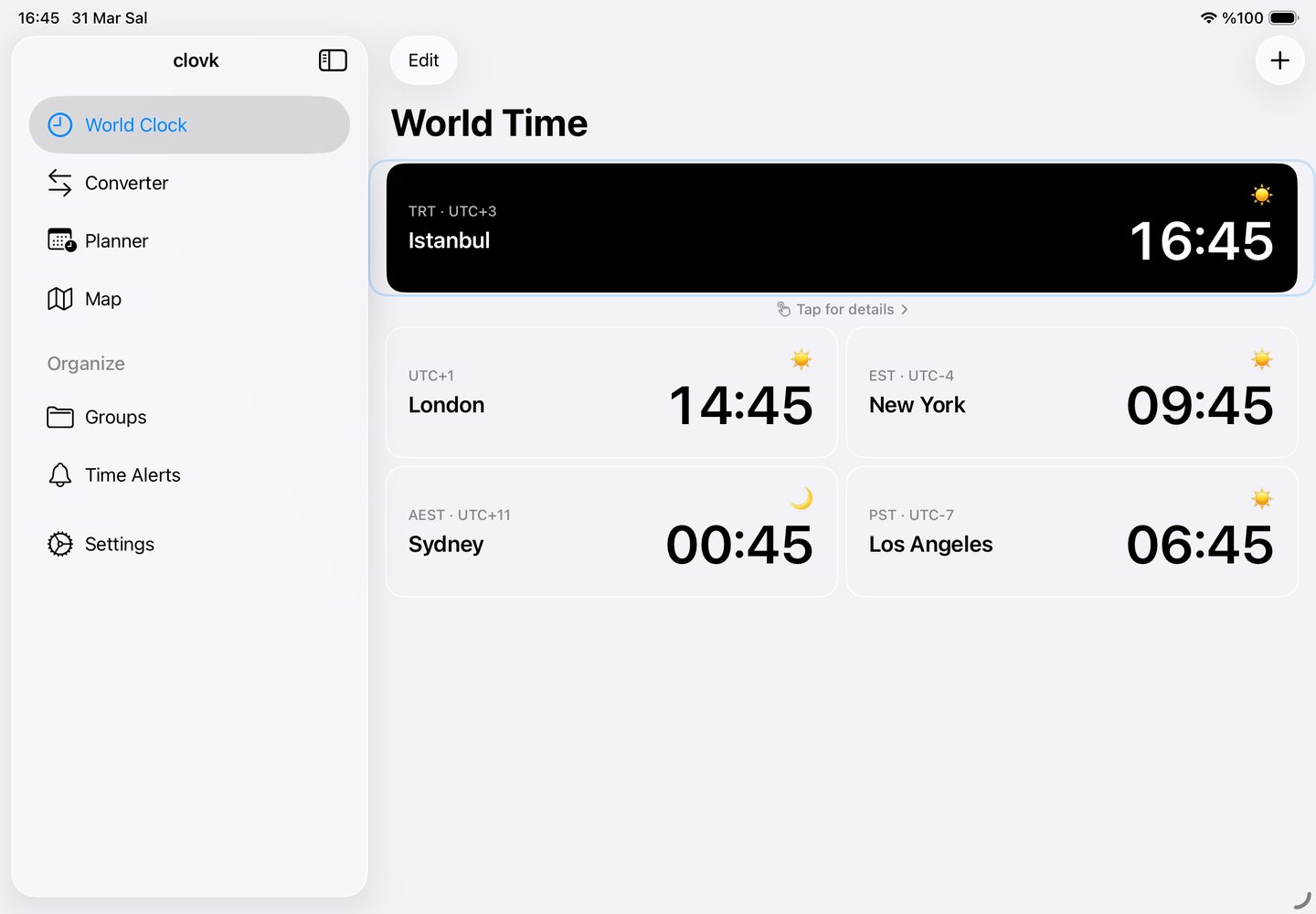
Designed for the big screen.
A full multi-column layout for iPad, with sidebar navigation and spacious grid views. The same favorites, groups and alerts as your iPhone, kept in step by iCloud.
Built to be trusted.
Every feature works without internet, and nothing about you leaves your device apart from anonymous usage analytics.
Fully offline
City database, time zones and sun calculations are all bundled locally. Nothing to wait for on a plane.
Private by design
No accounts beyond iCloud, no IDFA, no cross-app tracking. Your city list is stored on your device and in your private iCloud.
iCloud sync
Favorites, groups, alerts and settings follow you to every Apple device. If iCloud is off, the app still works fully on its own.
Widgets and Watch
Home Screen and Lock Screen widgets, and an Apple Watch app, keep your favorite time zones in view.
Sunrise and sunset
Offline solar calculations with day length, handling polar day and polar night automatically.
DST aware
Daylight Saving changes are detected automatically, shown on each city and respected by every alert.
Questions, answered.
Does Clovk work offline?
Yes, completely. City search, time zones and sunrise/sunset calculations all work without an internet connection. The entire database ships inside the app.
Which devices are supported?
iPhone (iOS 16 or later), iPad with a multi-column layout, Apple Watch (watchOS 9 or later), plus Home Screen and Lock Screen widgets.
How does iCloud sync work?
Favorites, groups, alerts and settings sync automatically across your Apple devices through CloudKit. There is no account to set up; signing in to iCloud is enough. Without iCloud, the app works fully on the device.
Is my data private?
Clovk has no user accounts beyond iCloud, no IDFA and no cross-app tracking. Your cities and settings live on your device and in your private iCloud, which we cannot read. What we do send is anonymous usage analytics, described in the privacy policy.
What does DST awareness mean?
Clovk detects Daylight Saving Time changes and shows DST status on each city. Alerts are DST-aware, so "notify me when Tokyo hits 09:00" keeps firing at the right moment when clocks change.
Can I cancel at any time?
Yes. Manage or cancel from your Apple ID subscription settings; you keep access until the end of the current period.
Ready to master world time?
Download Clovk and keep every time zone within reach.